
Cilantro IO: PaperCut MF & Smokeball — User Guide
Guidance for customers on authentication, activity code assignment, and webhook registration for the Smokeball integration.
1. Document Information



1.1 Introduction
Before attempting to action this guide, contact your PaperCut Reseller to purchase a license.
The purpose of this document is to provide guidance to customers for the steps required to permit Cilantro to communicate with their Firm in Smokeball.
Along with obtaining the Cilantro Instance credentials that are required by the Cilantro installer and how to map PaperCut MF's job type references with Activity codes within Smokeball.
2. Smokeball Integration
2.1 Authentication with Smokeball
As part of the installation process, a member of staff with full Smokeball privileges is required to authenticate Cilantro with Smokeball. It is through this user that the PaperCut MF information is passed to and from Smokeball.
You will receive credentials and a link from Taco or your reseller for your Vendor portal account. Please login, change your password and setup your MFA preference.
Once logged in, navigate to the "Cilantro Instance" Tile and click on the blue hyperlink. Beside the hyperlink, you will see an i button, click on this to obtain your unique Client ID and Secretkey. The person installing and configuring Cilantro for you will need these credentials
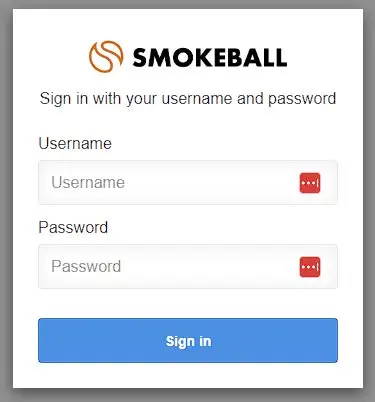
You will be taken to a Smokeball login screen as below, where your chosen user will enter their Smokeball credentials.
It is this user that uploaded scans are associated with if we are unable to match an account between PaperCut MF & Smokeball.
Note: If this user leaves the company or their Smokeball account is removed, a new user will have to be chosen and this process repeated.
2.2 Assigning Activity Codes & Matter update webhook
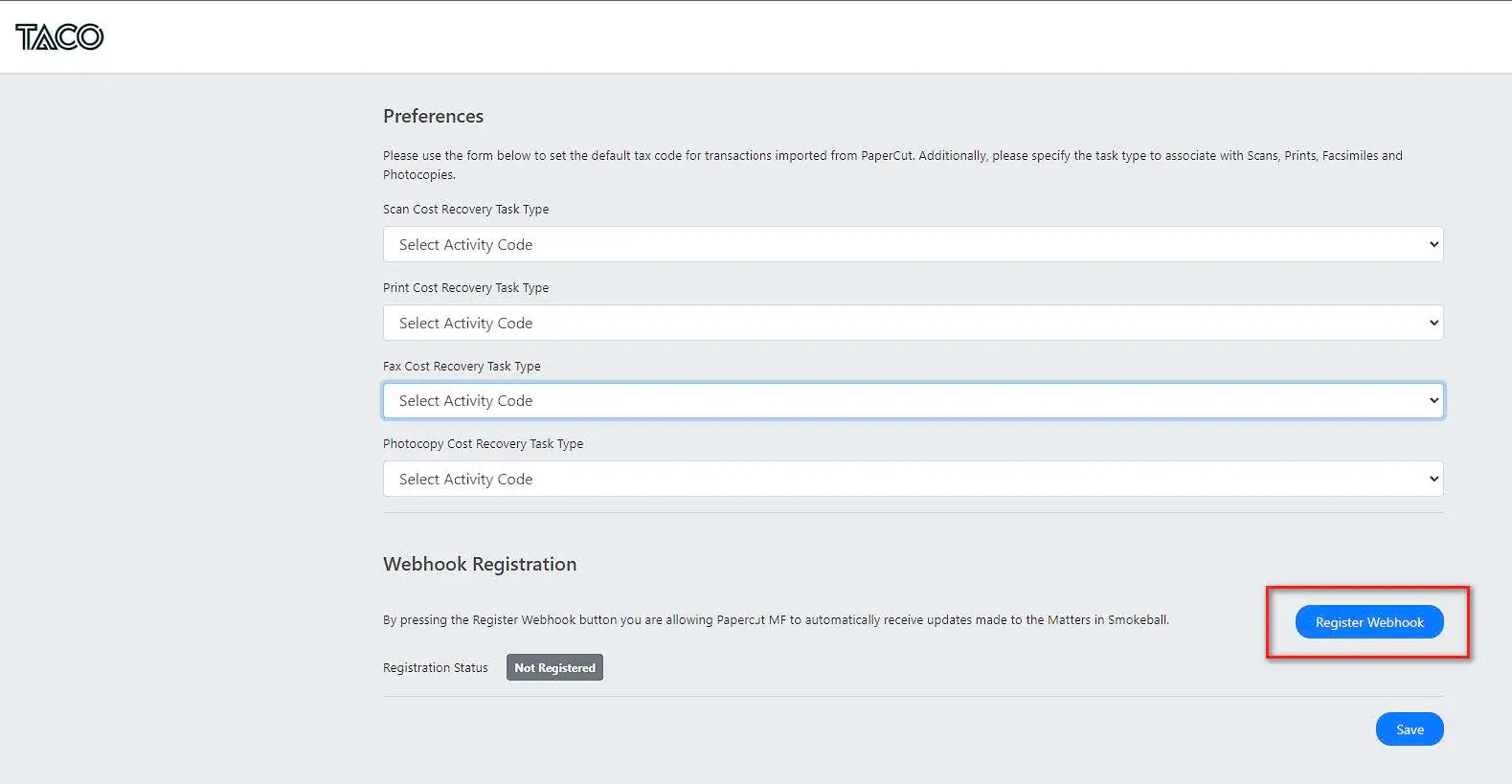
Upon successful authentication, you will be redirected to a Taco page where you will:
- Decide how disbursements are created
- Assign Activity Codes to PaperCut MF job types (PRINT/COPY/SCAN/FAX)
- Register your instance's webhook functionality
This aligns the data that comes from PaperCut MF with the values configured in Smokeball. It is important to ensure these are assigned correctly for your business.
Disbursement creation method
There are 3 methods to create disbursements in Smokeball:
Each transaction in PaperCut MF results in a disbursement being created (default)
Transactions of the same type are rolled into one disbursement
All transactions, regardless of type, are rolled into one disbursement
Note: Transaction reports are run daily in the early morning and result in the creation of disbursements for the previous day's activity. A disbursement is created against the Matter referenced during the use of PaperCut MF Print/Copy/Scan/Fax functionality.
Activity Codes
In Smokeball, these Activity codes are created and configured under Smokeball Settings/Time & Billing/Activities.
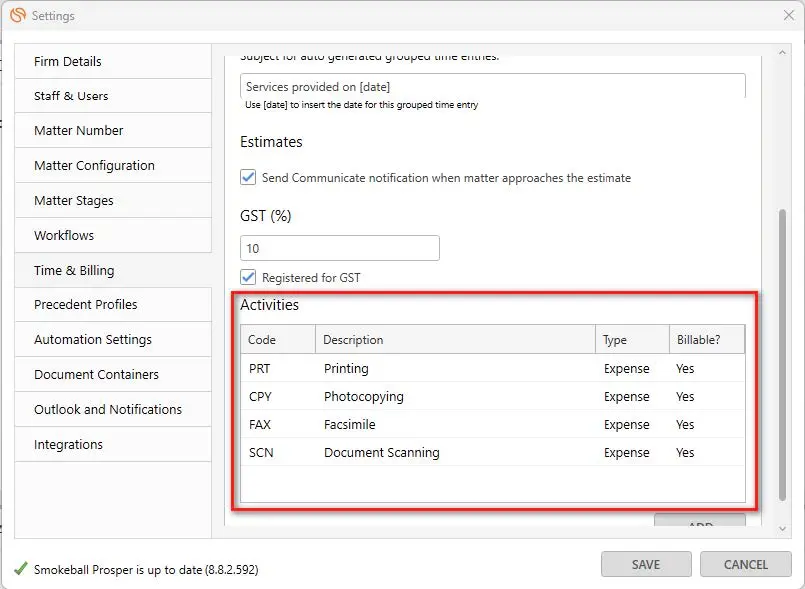
E.g align COPY from PaperCut with PHOTOCOPIES from Smokeball.
Webhook registration
A Smokeball webhook is utilised to keep PaperCut MF's Shared Accounts list updated as and when changes are made to Smokeball.
Please select "Register Webhook" to enable this functionality! It's important, so that your system is kept up to date.
Save and close the window, the authentication process with Smokeball is complete.