
 Cilantro for OfficeRnD × PaperCut Hive
The OfficeRnD & PaperCut Hive Integration for accurate billing.
Stop looking for a workaround. Our OfficeRnD and PaperCut Hive integration automates the entire process. Connect once to sync members and map usage to your products—so invoices stay clean and disputes disappear.
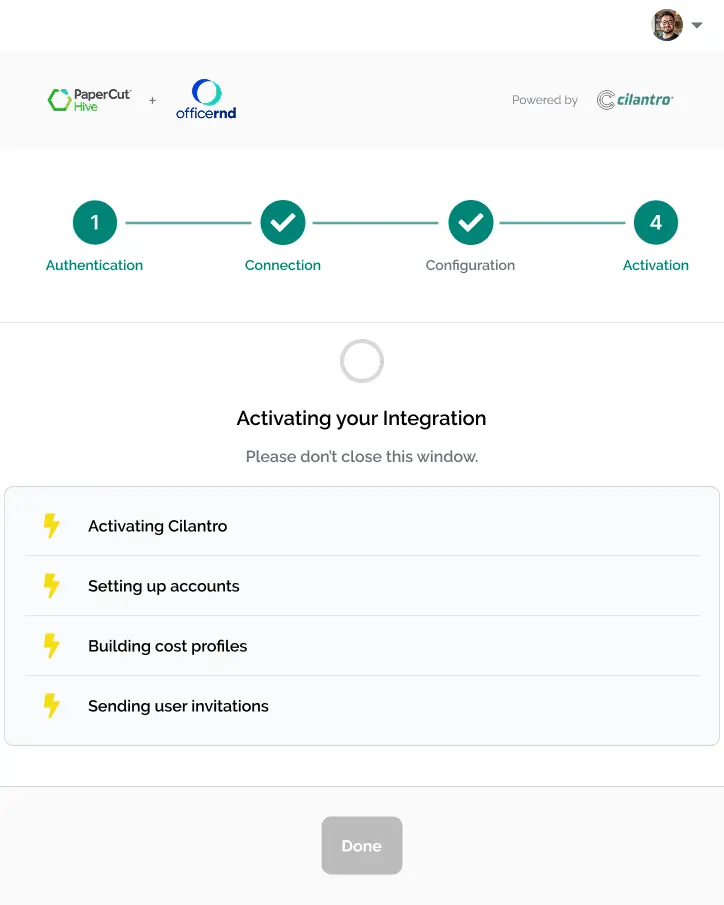
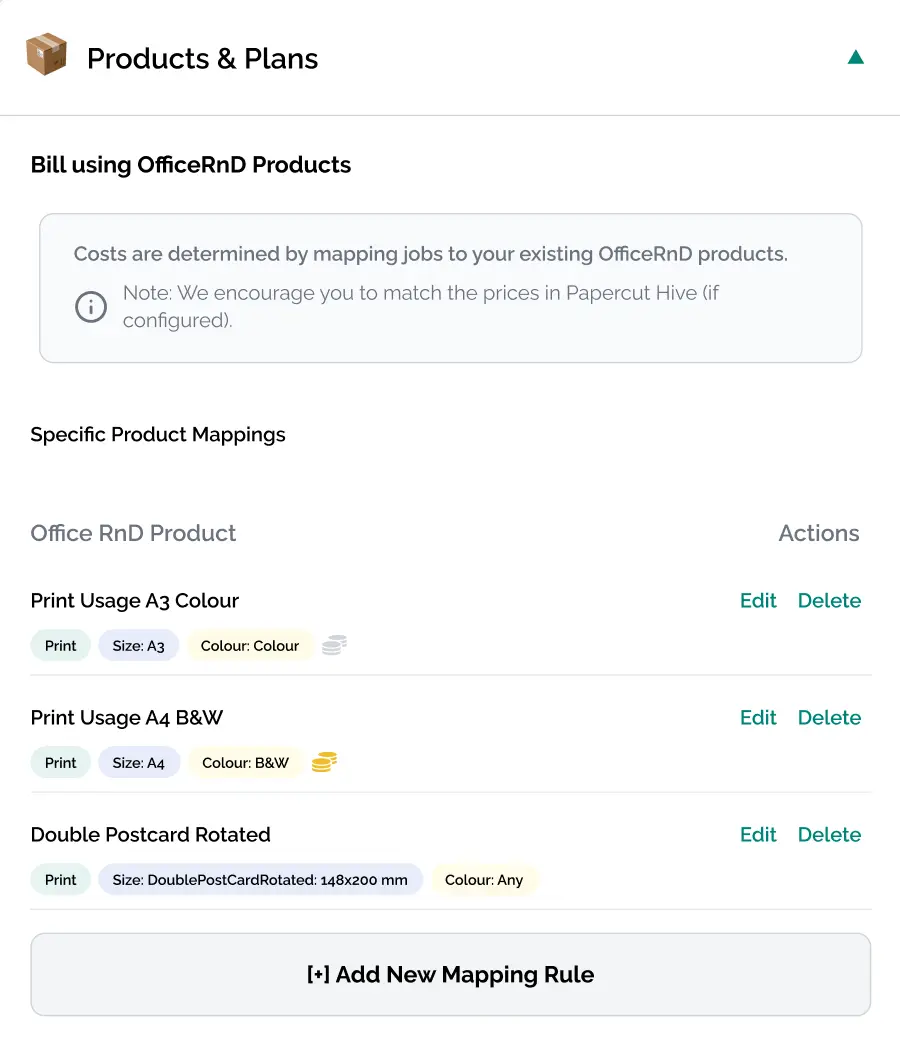
Keep print costs under control
Provision members automatically, track usage precisely, and export clean charges to OfficeRnD—no manual re-keying or disputes.
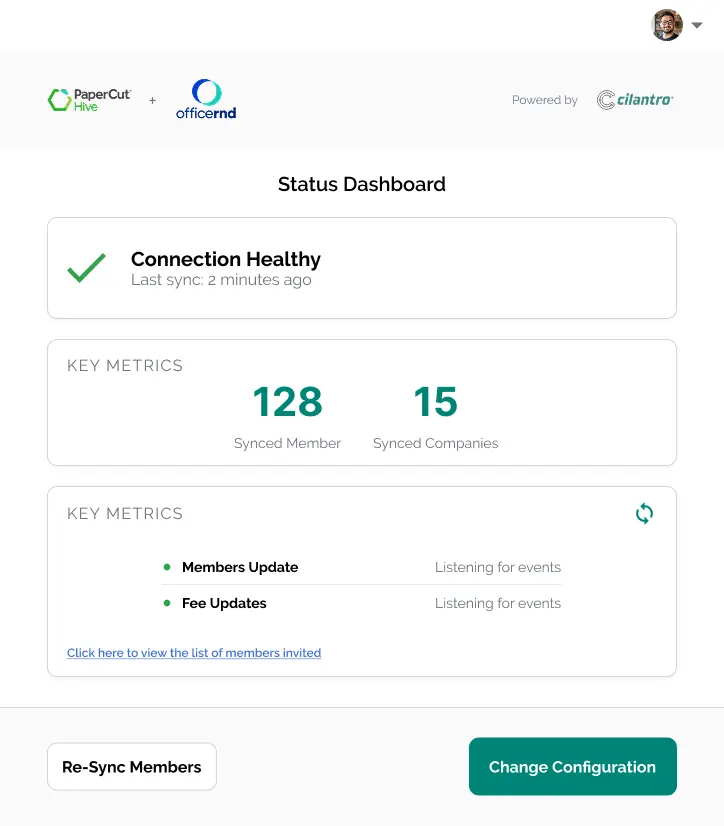
One source of truth for members
Cilantro syncs OfficeRnD members into PaperCut Hive so access, quotas, and billing align with your plans automatically.
Get Started in 3 Steps
Connect your accounts, map your products, and let Cilantro handle the rest.
Connect Securely
Authorise Cilantro to access your OfficeRnD and PaperCut Hive accounts using secure, official APIs.
Map Your Products
Link PaperCut print groups (e.g., ‘A4 Colour’) to your billable products in OfficeRnD via our simple interface.
Automate & Bill
Cilantro syncs members continuously and posts monthly print charges to OfficeRnD for accurate invoicing.
Designed for modern, flexible workspaces.
If you manage a dynamic coworking space, serviced office or business hub, Cilantro eliminates the billing headaches and administrative overhead of printing by joining OfficeRnD with PaperCut Hive.
Coworking Spaces
Bill members for print usage accurately alongside their monthly membership fees.
Serviced Offices
Automate charge-backs for printing to client invoices without manual data entry.
Business Hubs
Ensure new members get immediate print access and that all usage is tracked and billed.
Using PaperCut Hive with OfficeRnD has transformed our office efficiency.
Sarah JenningsOperations Manager, Legal Firm
Frequently Asked Questions
Quick answers about the Cilantro OfficeRnD add-on and PaperCut Hive.
What is the Cilantro add-on for OfficeRnD and PaperCut Hive?
The Cilantro add-on is the integration that connects PaperCut Hive and OfficeRnD Flex for coworking print billing. It syncs members, manages print access and sends accurate print usage charges into your OfficeRnD invoices.
How can I purchase this integration?
This integration is available exclusively through our partners. Please contact your reseller or current PaperCut provider to proceed.
Is this an official integration?
Yes. Taco Technologies is a long standing PaperCut Authorised Solution Centre and a valued partner of OfficeRnD.
What are the requirements to use Cilantro?
You need an active OfficeRnD Flex account and a PaperCut Hive subscription. For pricing and availability, contact your local reseller to find a PaperCut Hive reseller.
How does Cilantro handle the billing?
Actual billing is handled by OfficeRnD, with Cilantro passing activity either twice daily OR once a month (on the 28th of every month).
Is my data secure?
The answer is yes, and further improvements will be made when we introduce AUTH0 in Late 2025.
Explore more Cilantro integrations
Add capability as you grow—provisioning, billing, payments and more.
PaperCut MF × iManage
Link print jobs to client matters for simple tracking and recovery.
PaperCut MF × Stripe
Instant account top-ups with cards and wallets; refunds handled in Stripe.
Connect PaperCut with your tools
Explore all our integrations to simplify, automate and scale operations.

Stop juggling spreadsheets. Start automating your print billing.
See how Cilantro can save you hours of admin time and eliminate billing errors. Get started now!